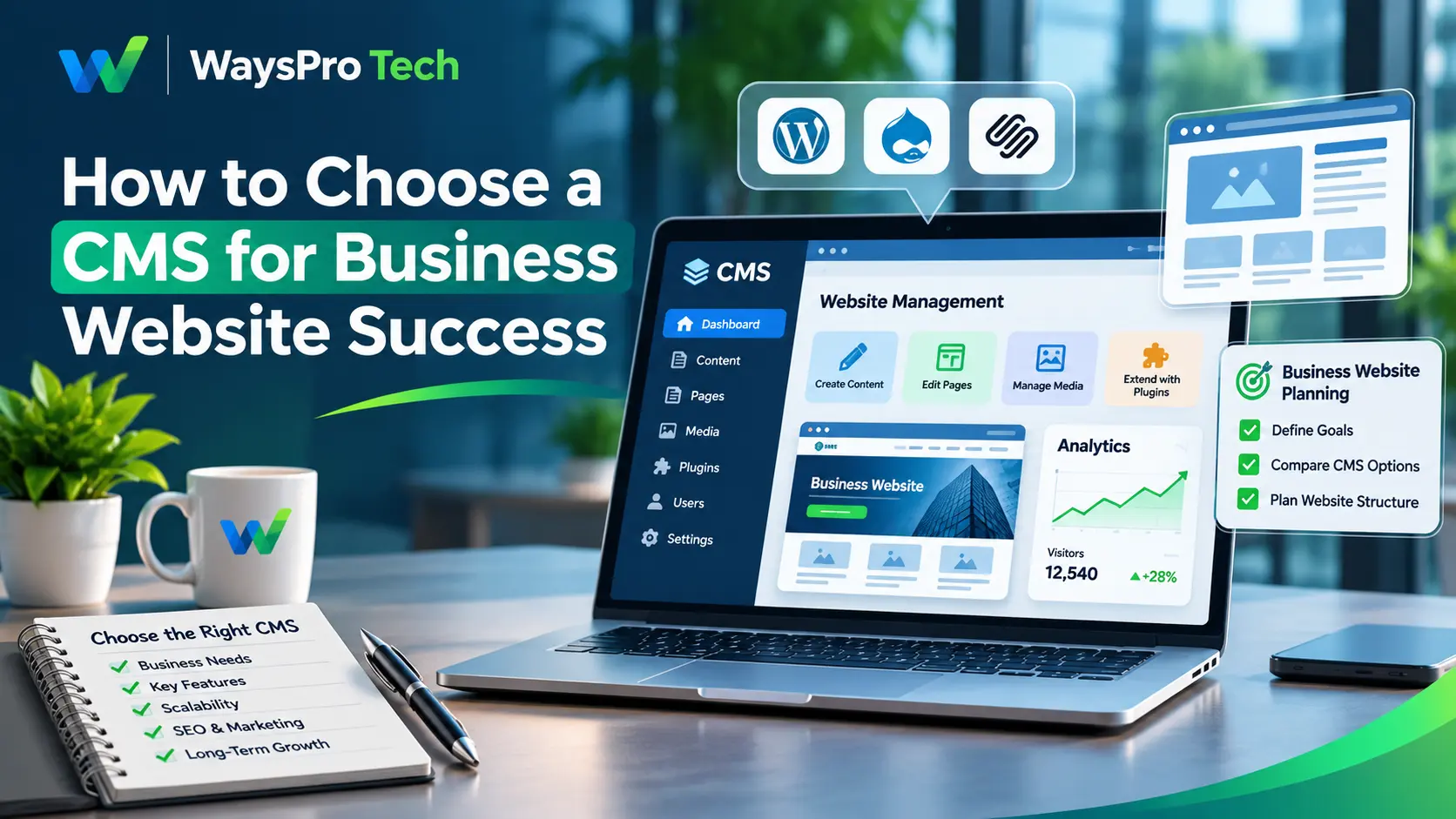
Choosing the right CMS for business website management affects how easily your team can publish content, update pages, manage products, support SEO, and maintain the site over time. A platform that works well for a five-page startup website may become difficult to manage once the business adds ecommerce, multiple contributors, new integrations, or several markets.
The right CMS should match what your business needs today while leaving enough flexibility for future changes. That means looking beyond templates and page builders. Ease of use matters, but so do security, integrations, scalability, maintenance requirements, content workflows, and total operating cost.
This guide explains what to evaluate when comparing CMS platforms, how common CMS options differ, and how to avoid choosing a system that becomes difficult or expensive to manage later.
What is a CMS, and why does a business website need one?
A content management system, or CMS, is software used to create, organize, edit, and publish website content through an administrative interface. Instead of manually changing HTML every time a page needs an update, a CMS allows authorized users to manage text, images, blog posts, products, forms, landing pages, and other website content from a central dashboard.
For businesses, this can make routine website management much easier. Marketing teams can update content without depending on developers for every small change, while developers can focus on more technical work.
Most modern CMS tools also support features such as:
- User roles and permissions
- Media management
- SEO settings
- Page templates
- Content scheduling
- Version history
- Plugins or integrations
- Ecommerce functionality
- Analytics integrations
The exact feature set varies widely between platforms, which is why choosing a CMS should begin with business requirements instead of a list of popular products.

Start with what your business actually needs
Before comparing platforms, first identify your website’s requirements. A small professional services company may only need service pages, a blog, contact forms, and SEO services to improve its online visibility. An ecommerce business may require product management, inventory tracking, checkout, payment integrations, and order management.
A larger organization may need approval workflows, multilingual content, multiple websites, advanced user permissions, and integrations with internal systems.
Ask practical questions such as:
- How often will content be updated?
- Who will manage the website?
- Will non-technical staff need to publish pages?
- Does the business sell products online?
- Will the site connect with a CRM or marketing platform?
- Do you expect to add new locations, brands, or languages?
- Will developers need access to custom code or APIs?
- How much ongoing maintenance can the business handle?
These questions narrow the options much faster than comparing CMS feature lists without context.
Compare ease of use with flexibility
Ease of use is important, but it should not be the only deciding factor. Simple website builders can be useful for small teams that want to launch quickly with limited technical involvement. More flexible systems may require additional setup but allow deeper customization later.
The trade-off is usually between convenience and control. If your team needs to create landing pages, update service pages, publish blogs, and manage images regularly, the editing experience should be straightforward. At the same time, developers should not be unnecessarily restricted when the business needs custom functionality.
Test the editing interface before committing to a platform. A demo can reveal whether routine tasks are genuinely easy or simply look simple in marketing materials.
Check SEO capabilities carefully
A business CMS should provide enough control to manage important on-page and technical SEO elements.
Look for the ability to edit:
- Page titles
- Meta descriptions
- Heading structure
- Image alt text
- URL slugs
- Canonical tags
- Redirects
- XML sitemaps
- Robot settings
- Structured data where needed
You should also consider page speed, mobile performance, internal linking, and whether the platform creates unnecessary duplicate URLs. Some CMS platforms include these controls natively. Others rely on plugins, apps, or developer configuration.
A CMS does not create strong SEO on its own, but weak technical controls can make optimization harder than it needs to be.
Review integrations before you choose
A CMS rarely operates alone.
Your website may need to connect with:
- Google Analytics
- Google Search Console
- CRM software
- Email marketing platforms
- Payment gateways
- Ecommerce systems
- Appointment tools
- Customer support platforms
- Marketing automation software
- Accounting or ERP systems
Check whether important integrations are native, supported through plugins, or require custom development. This matters because a CMS that looks inexpensive at first can become costly if basic business integrations require custom work.
Consider scalability before the website grows
Scalability does not simply mean handling more visitors. A growing business may also need more pages, more users, more products, more content types, additional languages, separate regional websites, or more complex approval processes.
The best CMS for startups is therefore not always the platform with the fewest features or lowest initial cost. A startup with a simple marketing site may be comfortable with a lightweight hosted platform. A startup planning a large marketplace, membership system, or international content operation may need more flexibility from the beginning.
The useful question is not, “Can this CMS handle our website today?” It is, “What changes are likely over the next two or three years, and how difficult would they be on this platform?”
Evaluate security and user permissions
Security should be part of CMS selection from the beginning. Different CMS platforms use different security models. Some are fully managed by the provider, while others require the website owner or hosting provider to manage updates, plugins, backups, and server configuration.
Review features such as:
- Role-based access
- Multi-factor authentication
- Update management
- Backup options
- Activity logging
- Plugin or extension controls
- Security patches
- Staging environments
For teams with multiple contributors, permissions matter. A content editor should not necessarily have the same access as a developer or administrator. Reducing unnecessary access can limit mistakes and security exposure.
Understand the total cost, not just the subscription price
CMS pricing can be misleading when viewed only as a monthly subscription.
The real cost may include:
- Hosting
- Premium themes
- Plugins or apps
- Developer work
- Security services
- Backups
- Performance optimization
- Content migration
- Technical support
- Future redesigns
An open-source CMS may have no software license fee but still require hosting and maintenance. A hosted CMS may bundle more services into one monthly price but provide less technical control.
Compare the total cost of ownership over several years instead of choosing based on the cheapest starting plan.
Best CMS for Business Websites & Where They Fit
There is no single CMS that is best for every business.
WordPress
WordPress website development is a popular choice for business websites, blogs, service-based companies, publishers, and content-driven platforms. Its extensive range of themes and plugins offers flexibility to create customized websites. However, businesses must also pay attention to regular updates, plugin quality, backups, security, and website performance. It is an excellent option for businesses that want greater control over their website with access to proper technical support.
Shopify
Shopify website development is an ideal solution for businesses focused on selling products online. It offers essential ecommerce features such as product management, secure checkout, payment processing, and order management. However, businesses with advanced content publishing or custom website requirements should evaluate whether Shopify’s available tools meet their needs.
Wix and Squarespace
Hosted platforms such as Wix and Squarespace can work well for smaller websites where simplicity and quick setup are priorities. They reduce much of the technical management associated with hosting and software updates. The main question is whether their customization and integration options remain sufficient as the business grows.
Webflow
Webflow gives design and marketing teams substantial visual control and is often considered for marketing-focused websites. It can be useful when design flexibility is a high priority, although teams should assess content workflow, ecommerce requirements, and integrations before choosing it.
Headless CMS platforms
A headless CMS separates content management from the frontend used to display that content. This can be useful when content needs to appear across websites, mobile applications, digital products, and other channels.
Headless architecture usually requires more development resources, so it may be unnecessary for a straightforward business website.
Do not ignore CMS Website Maintenance
Choosing a CMS is only the beginning. CMS Website Maintenance affects security, performance, reliability, and the long-term cost of operating the site.
Depending on the platform, maintenance may include:
- CMS updates
- Plugin and extension updates
- Backups
- Security monitoring
- Performance checks
- Broken link reviews
- Form testing
- Database cleanup
- Compatibility testing
Hosted CMS platforms may handle more infrastructure maintenance automatically. Self-hosted systems often give businesses more control but require more active management. Before choosing a platform, establish who will be responsible for updates, backups, troubleshooting, and security.
How to make the final CMS decision
Create a short list based on your actual requirements, then test the platforms against the same criteria.
Focus on the factors that affect daily operations:
- Content editing
- SEO controls
- Required integrations
- Ecommerce needs
- User permissions
- Scalability
- Security
- Maintenance
- Development flexibility
- Total cost
Do not select a CMS simply because it is popular or because a competitor uses it. The right platform is the one your team can operate reliably while still supporting the website features and business processes you expect to need.
Frequently asked questions
What is the best CMS for a business website?
There is no single best CMS for every business. WordPress, Shopify, Wix, Squarespace, Webflow, and headless CMS platforms serve different requirements, so the choice should depend on website goals, technical needs, budget, and expected growth.
What is the best CMS for startups?
The best CMS for startups depends on the business model. A simple startup website may work well on Wix, Squarespace, or WordPress, while e-commerce startups may prefer Shopify, and technically complex products may need a more flexible CMS architecture.
Can a CMS help with SEO?
Yes. Most modern CMS platforms provide tools for managing titles, descriptions, URLs, images, and content structure. SEO results still depend on content quality, technical implementation, website performance, and overall optimization.
How much does a CMS cost?
Costs vary by platform and implementation. Businesses should account for software or subscription fees, hosting, plugins, development, maintenance, security, and future upgrades.
Can a business change its CMS later?
Yes, but CMS migration can require significant work. Content, URLs, images, metadata, redirects, integrations, and custom functionality may need to be moved or rebuilt, so future requirements should be considered before selecting a platform.
Conclusion:
Choosing the right CMS is essential for building a website that meets your business needs and supports future growth. From selecting the right platform to managing website functionality, every decision plays an important role in long-term success. At WaysPro Tech, we help businesses build professional, user-friendly, and SEO-friendly websites tailored to their goals, making it easier to establish and grow their online presence.